

We're an independent freeform station broadcasting at 91.1 fm in New York, at 90.1 fm in the Hudson Valley, and with gobs and gobs of online offerings.
Listen
Most Recent ArchivesWFMU Live Stream
Rock'n'Soul Radio | Info
Give the Drummer Radio | Info
Sheena's Jungle Room | Info
Stream Help
Programming
Program ScheduleWFMU Mobile
Upcoming Special Programs
Podcasts
Playlists and Program Archives
Heavily Played Records
Send Us Music
Diversions
Our Venue, Monty HallSign up for our Monthly Newsletter
WFMU's Beware of the Blog
Local Event Guide
Receive WFMU Fan Mail
Listener Gallery
Our Record Fair
DJ Homepages
Support WFMU
Donate Now!Buy WFMU Swag From Our Store!
Donate Cars, Old LPs and Stuff
About
All About WFMUQuotes
Notable Guests
Follow
| Follow @wfmu |  | ||
 | TuneIn | ||
Full Site Menu
Recently added archives: |
|
 4/28/24:
MP3 | Pop-up |
The Glen Jones Radio Programme
|
|
4/28/24: MP3 | Pop-up |
The Stork Club with Stork
|
|
4/28/24: MP3 | Pop-up |
Reggae Schoolroom with Jeff Sarge
|
|
4/28/24: MP3 | Pop-up |
destination: OUT with Jeff Golick
|
|
4/28/24: MP3 | Pop-up |
Serious Moonlight Sonatas with Carol
|
Feed:
 MP3 |
More archives... MP3 |
More archives...
|
|
Recently added playlists: |
|
|
4/28/24
|
Tom Dash
|
|
4/28/24
|
Atlantic Tunnel with Ed
|
|
4/28/24
|
The Stork Club with Stork
|
|
4/28/24
|
Rock'n'Soul Radio
|
|
4/28/24
|
destination: OUT with Jeff Golick
|
|
Playlists feed
|
|

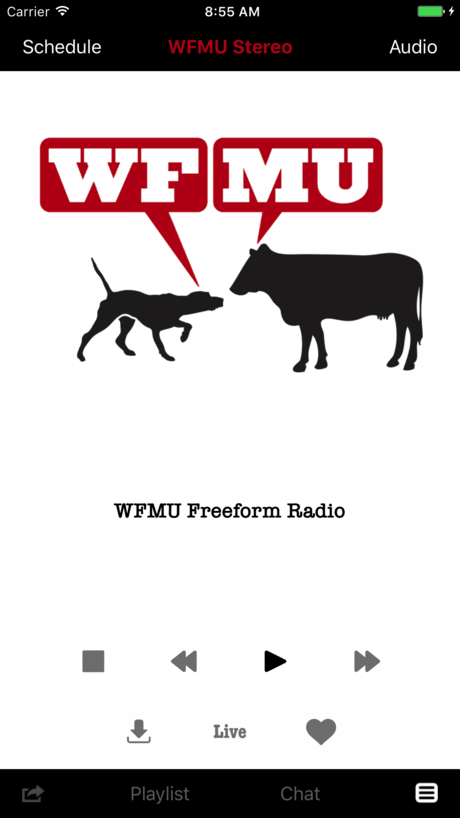 |
iPhone AppBack in 2007, WFMU was the first station in the world to stream live audio to the iPhone and with the v4.0 release of our iPhone app we've once again pushed the envelope for mobile radio.Our free iPhone app allows you to listen to both our 128k and 32k streams as well as all our alternate web only streams. Also available are recent archives for our entire schedule (with real time playlists when available), our full slate of podcasts, Upcoming Events, Station News and our Twitter stream. Other features include realtime commenting, Twitter + Facebook integration, Last.fm scrobbling, the ability to favorite songs and purchase them directly from iTunes, rewinding live audio and background streaming. You can grab our iPhone app here. |
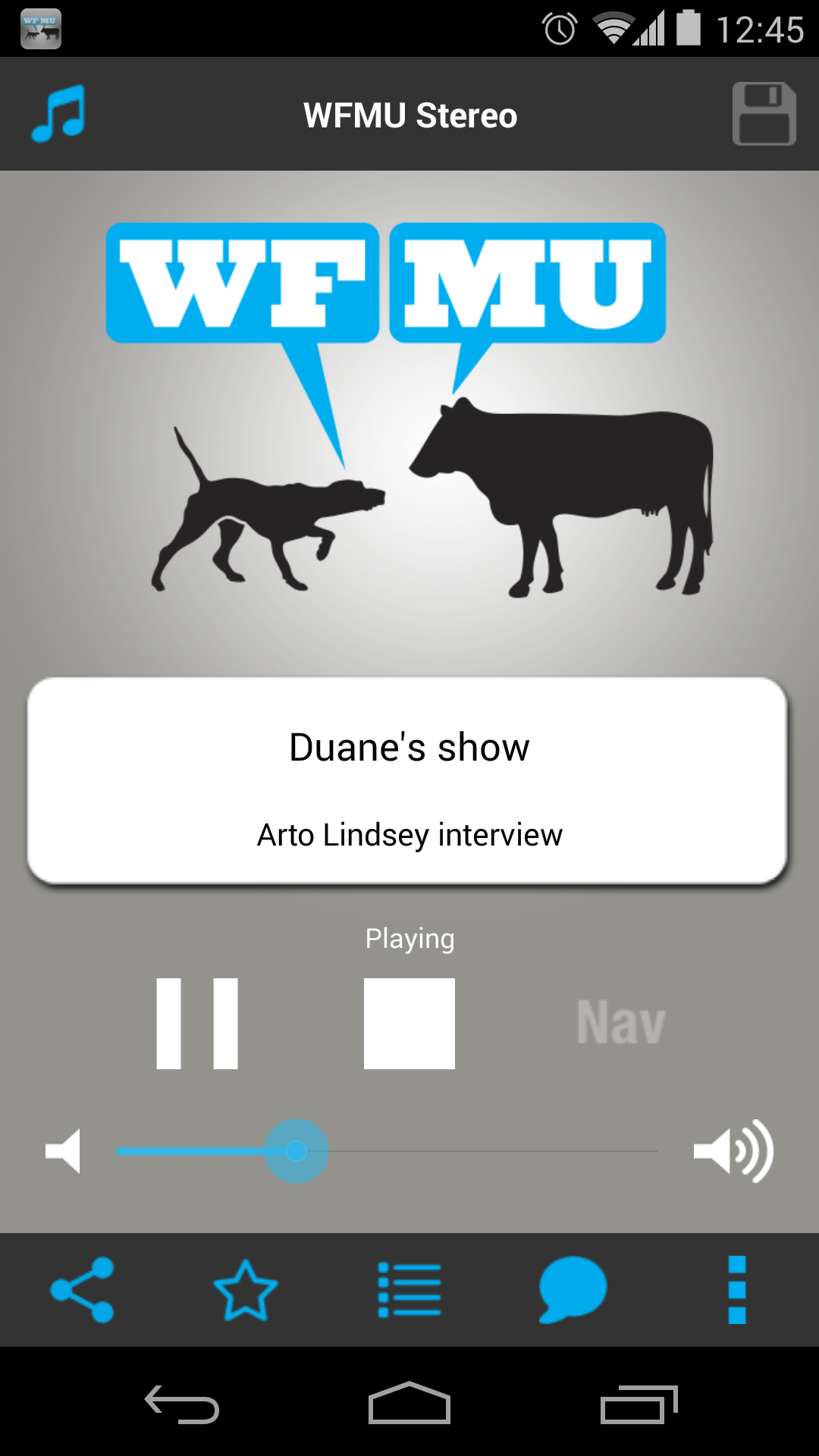 |
Unofficial Android AppAttention Android Phone Listeners!The official WFMU app in the Google Play Store is at the end of it's digital life. We now recommend using the unofficial "Woof Moo" app which works much better and is still being updated, thanks to listener Stephen. Follow this link, or navigate to the Play Store and search for "Woof Moo." If you encounter long startup buffering times or unreliable streaming, especially if your Android version is too early to be supported by the current apps, note that Android-using listeners who encountered those problems have had good luck listening to our live streams via the TuneIn Radio service. Mainstream Android users can try the TuneIn Radio app from the Google Play Store, and users of Amazon devices can try the TuneIn Radio app from the Amazon Appstore. |
 |
Other PhonesCurrently iPhone and Android OS's account for over 80% of our mobile traffic so we have chosen to focus on those platforms. Ideally we would love to provide a customized app for every mobile platform but unfortunately we are unable to do so.Below are some tips for how to listen on various mobile platforms along with some urls you can try using to grab our streams in whatever mobile client you may be using. Blackberry - Many of our listeners seem to enjoy the free YourMuze (formerly Moodio) site. It is free but requires registration. As far as paid software RadioBee is worth checking out. Nokia - Try Nokia Internet Radio or YourMuze and let us know how it goes. Windows Mobile - Try using TuneIn Radio. Pre - Try using the "Internet Radio" app and looking up WFMU on Shoutcast Radio Stream InfoHere is a list of direct urls for our streams which you can use in whatever mobile streaming client you may be using:128k MP3: http://stream0.wfmu.org/freeform-128k.mp3 32k MP3: http://stream0.wfmu.org/freeform-32k.mp3 If you have any questions please email our stream team. |